Skip to content
Bill payments via PayPal

Pay your university fees securely via PayPal

Many universities and academic publishers ask for payment by international card or PayPal. With Ibtiaath, you pay university fees and research publication charges through PayPal from inside the app — no intermediaries and no complicated international bank transfers.


Download on the App StoreGet it on Google Play
  • Secure, encrypted payment
  • Clear amount before you confirm
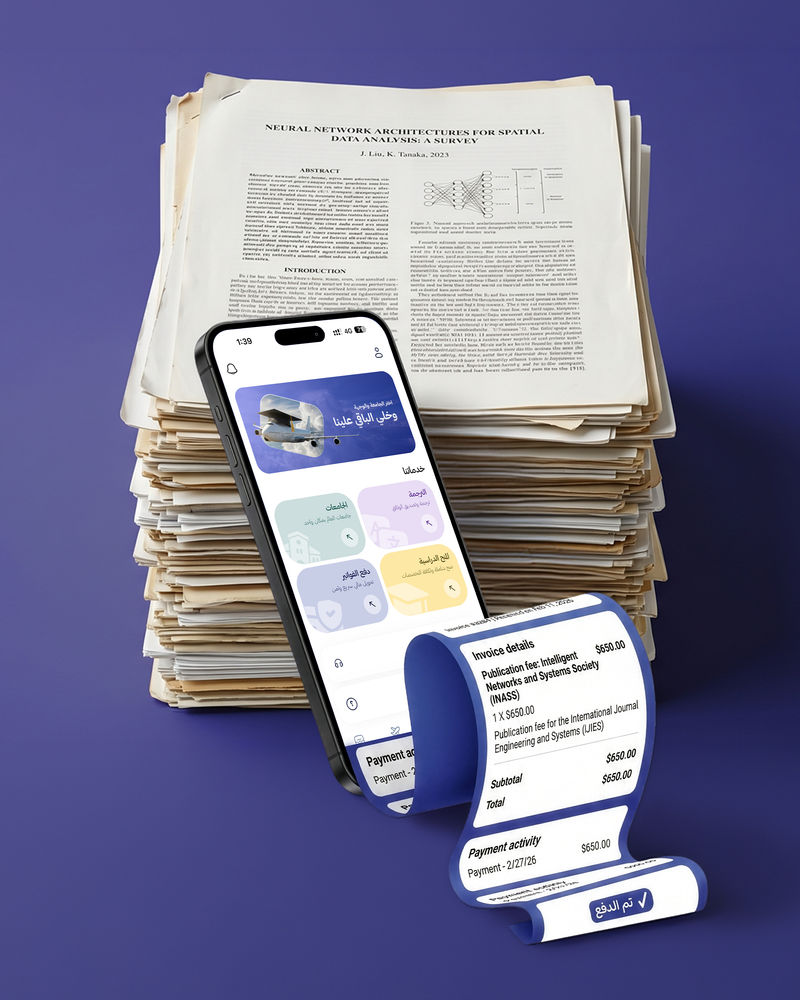
Paying university fees via PayPal in the Ibtiaath app
PayPalA globally trusted payment method
PayPal

A globally trusted payment method

500+

Partner universities

0

Hidden fees

4.8

App rating

What you can pay

Your academic bills, from one place

Study and research fees that must be paid in foreign currency or through PayPal — settled from the same app that tracks your admission.

University fees

Application, registration and tuition fees, and seat deposits at universities around the world.

Research publication charges

Publication fees for academic journals and peer-reviewed conferences that require electronic payment.

No complicated transfers

No international card or overseas bank transfer needed — you settle the bill from inside the app.

Flexible payment methods

Pay in the app by credit or debit card, bank transfer or digital wallet.

Your financial data protected

Transactions are processed by PCI DSS-compliant payment providers such as PayPal.

Transparent cost

The full amount, including the service fee, is shown before you confirm — with no hidden charges.

How it works

Four steps to settle your bill

  1. Send the invoice

    Upload the university or journal invoice, or its payment link, inside the app.

  2. Review the amount

    We review the invoice with you and show the full amount, including the service fee, before you confirm.

  3. Pay securely

    Pay inside the app with the method that suits you, through an encrypted payment gateway.

  4. Settled via PayPal

    The invoice is paid to the beneficiary through PayPal, and you track the payment status from your account.

Before you pay

What you need to complete the payment

Have these details ready so the money reaches the right recipient the first time — and always check that the invoice comes from the university or journal itself.

Want to check your invoice before paying? Contact us
  • The official invoice or payment link issued by the university or journal
  • The beneficiary's name and PayPal account address, if available
  • The amount due and the payment currency
  • Your student ID, application number or manuscript ID linked to the invoice
  • The student's or researcher's name as registered with the institution
  • The payment deadline, if there is one
FAQ

Questions about paying via PayPal

Which fees can I pay through Ibtiaath?

University fees, such as application, registration and tuition fees, and research publication charges, such as publication fees for peer-reviewed journals and conferences.

Why PayPal?

Because many universities and academic publishers around the world accept PayPal, and it is a secure, globally recognised payment method — saving you from hunting for an international card or arranging a complicated overseas bank transfer.

Which payment methods can I use in the app?

Credit and debit cards, bank transfers, and digital wallets. All payments are processed through a secure, encrypted gateway.

How much does the service cost?

The full amount, including the service fee, is shown clearly inside the app before you confirm the payment — with no hidden charges.

Can I get a refund after paying?

Fees paid to universities or other third-party institutions are outside our control and cannot be refunded through Ibtiaath, which is why we review the invoice details with you before paying. If we are unable to make the payment for reasons on our side, you get the full amount back.

Is my financial data safe?

Yes. Financial transactions are processed by PCI DSS-compliant payment providers, such as Stripe and PayPal, under their own privacy policies.

More services

Keep your journey going from the same account

Every service builds on the next: from admission and translation to your flight ticket and data plan.

Pay your fees with confidence

Settle your university bill from the app

Download the Ibtiaath app and open the bill payments section — upload your invoice, review the amount, and pay securely via PayPal.

4.8Free download
Download on the App StoreGet it on Google Play