
Ibtiaath is now inside SuperQi
Join more than 25 million users in Iraq and reach every Ibtiaath academic service straight from the Mini App inside SuperQi — no extra app to install and no new account to create.
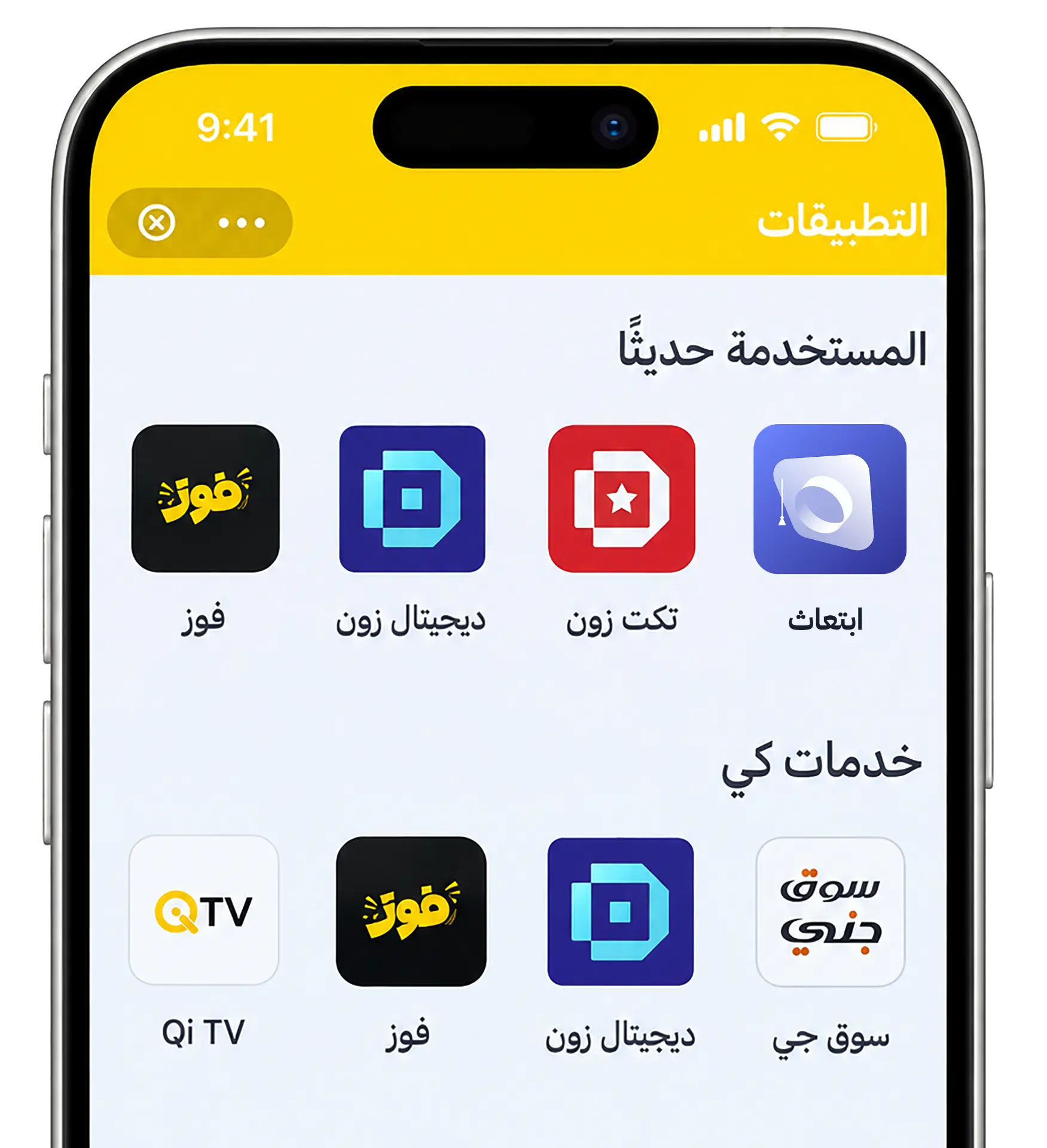
The same services, in fewer steps
No extra app to install
The Mini App runs inside SuperQi itself, so it takes no storage on your phone and needs no separate updates.
Secure in-app payment
Complete payment with SuperQi's trusted methods without leaving the app or entering your details elsewhere.
Your wallet is ready
Use the balance and payment methods you already have in SuperQi to settle academic service fees.
One connected experience
The same requests and academic services you get in the Ibtiaath app, in an interface you already know.
Three steps, nothing more
Open the SuperQi app
On your phone, sign in to your SuperQi account as usual.
Search for Ibtiaath
Type “Ibtiaath” in the Mini Apps list, or use the direct link on this page.
Pick a service and start
Admissions, translation and attestation, a flight or an eSIM plan — and pay right inside the app.

Scan to open Ibtiaath in SuperQi
Point your phone camera at the code to open the Mini App directly inside SuperQi.
Ibtiaath services available inside SuperQi
Everything your academic journey needs, from inside the app you already use every day.
- University admissions
- Translation and attestation
- Flight booking
- International eSIM plans
- University bill payments
Ibtiaath and SuperQi questions answered
What is Ibtiaath inside SuperQi?
How do I open Ibtiaath in SuperQi?
Do I need a new account?
Are these the same services as in the Ibtiaath app?
How does payment work?
Can I still download the Ibtiaath app?
Begin your academic journey from SuperQi
Open Ibtiaath inside SuperQi now, or download the app if you would rather have it standalone on your phone.
Open Ibtiaath in SuperQi